Carpenter Business Software
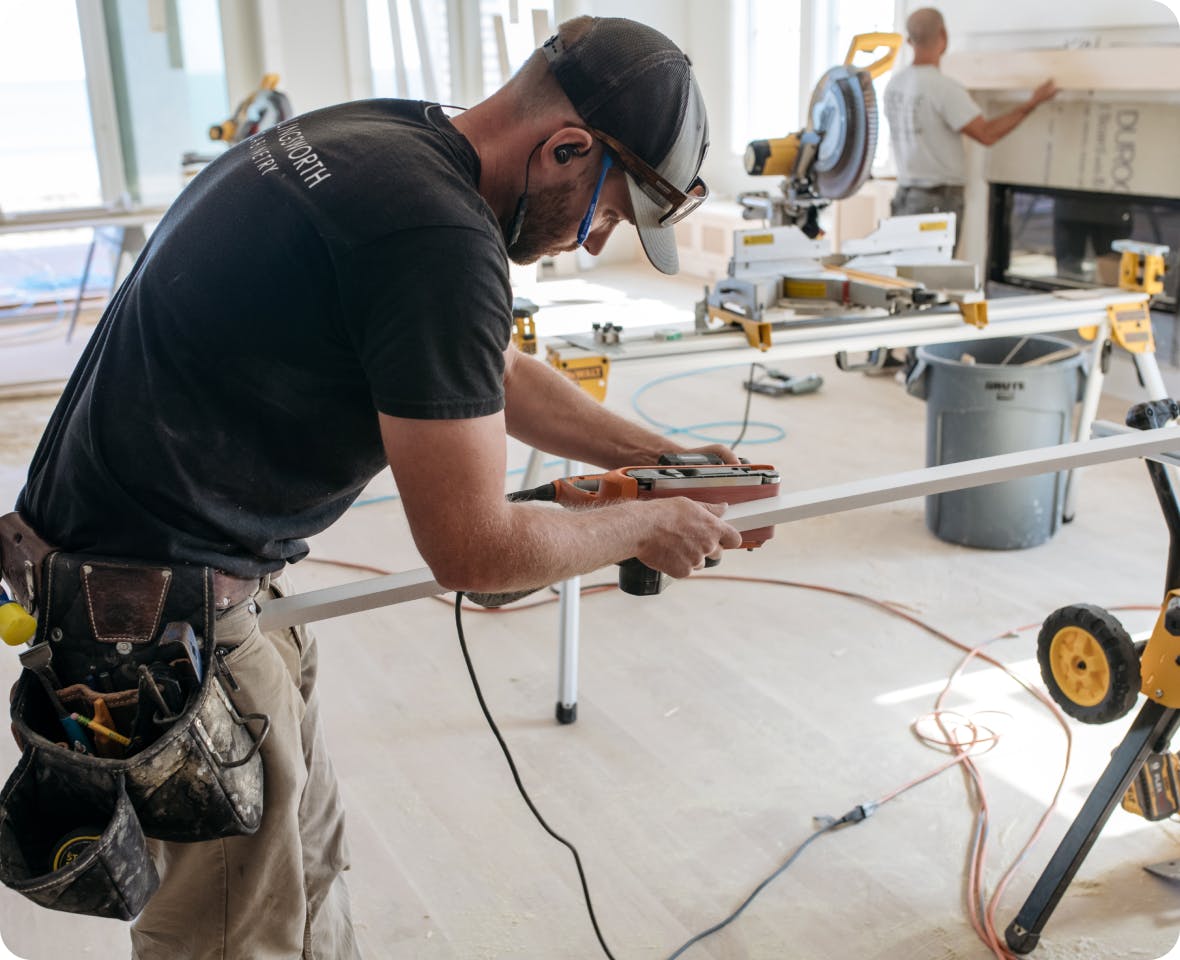
Manage your carpentry business seamlessly with Houzz Pro. From takeoffs to creating estimates, project management to invoicing, and more all with one, simple software.
Join over 3 million industry professionals who use Houzz Pro’s carpenter business software for its world-class, easy-to-use features that can’t be beat.

Cut Guesswork
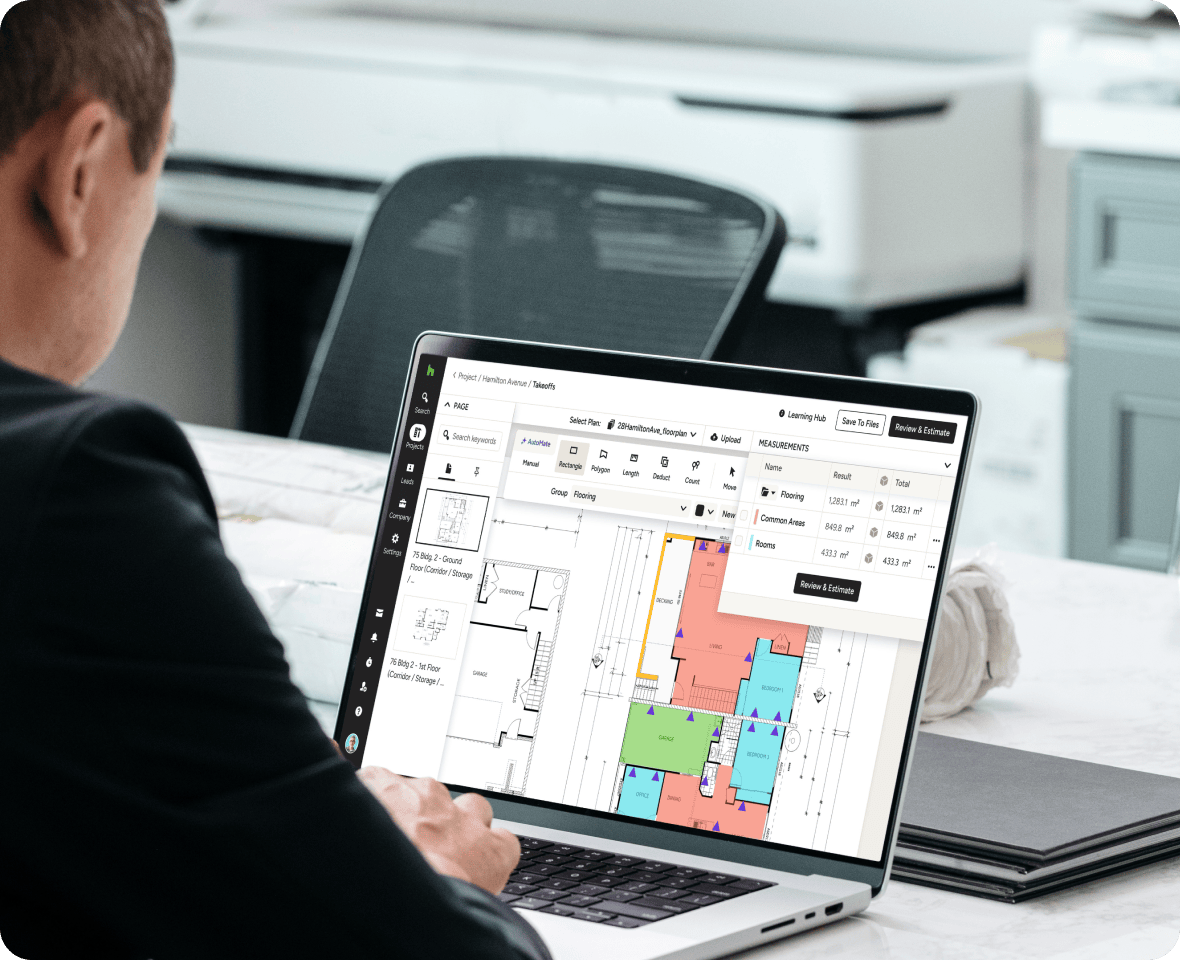
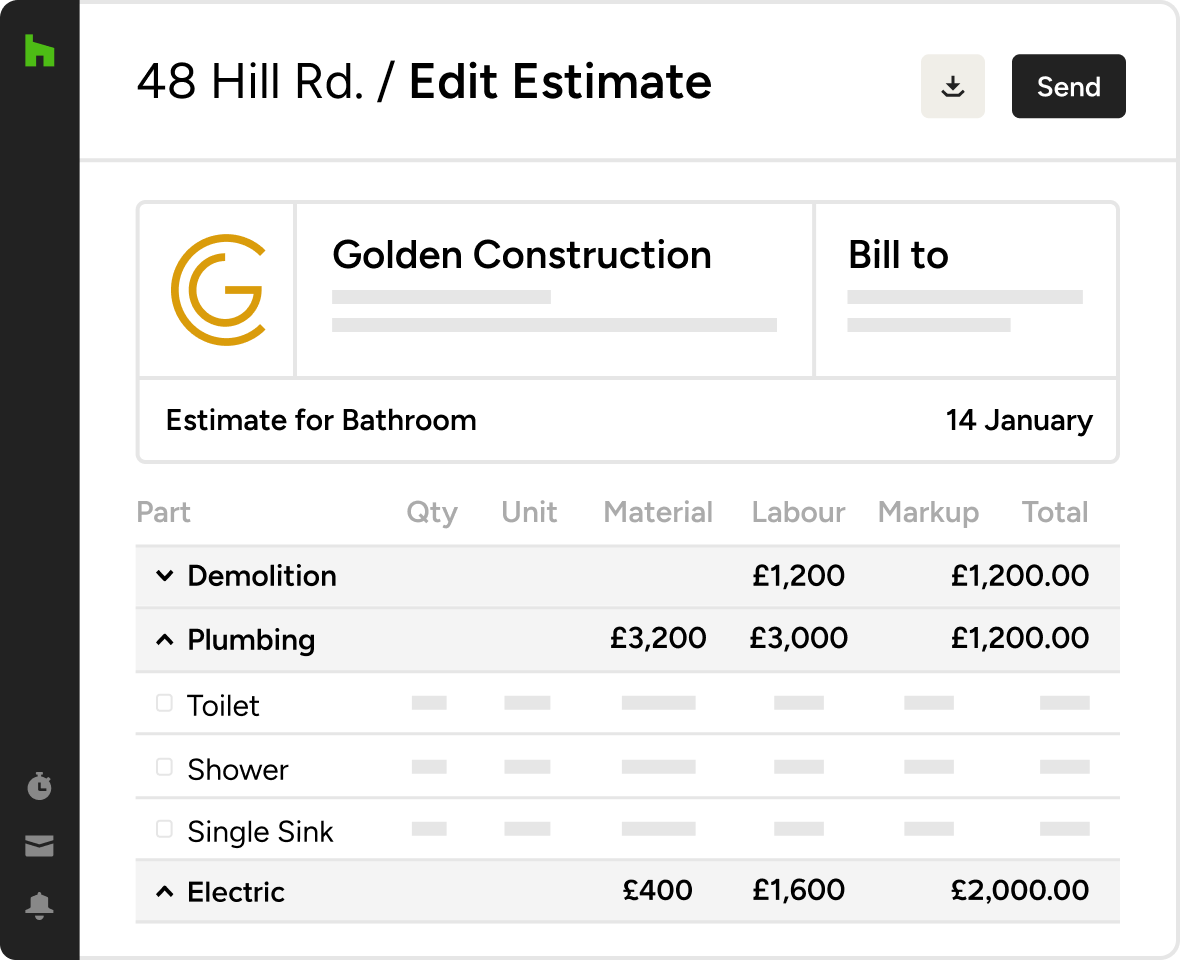
Create estimates based on accurate, digital takeoffs while tracking labour and budgets.

Avoid Lulls
Reduce downtime in your sales pipeline by building a consistent flow of new clients.

Settle In Fast
Get up and running in less than a day with our simple signup and intuitive tools.
CARPENTRY BUSINESS SOFTWARE
What is carpenter business software?
Carpenter business software helps carpenters handle everything from lead management to design, estimating, project management, invoicing, lead management and more.
It is an umbrella term used to describe software that helps manage every part of a carpentry business by streamlining processes and optimising workflows while preserving the client experience.
Carpentry business software that helps the day-to-day run smoothly
INVOICES & PAYMENTS
Get paid faster online
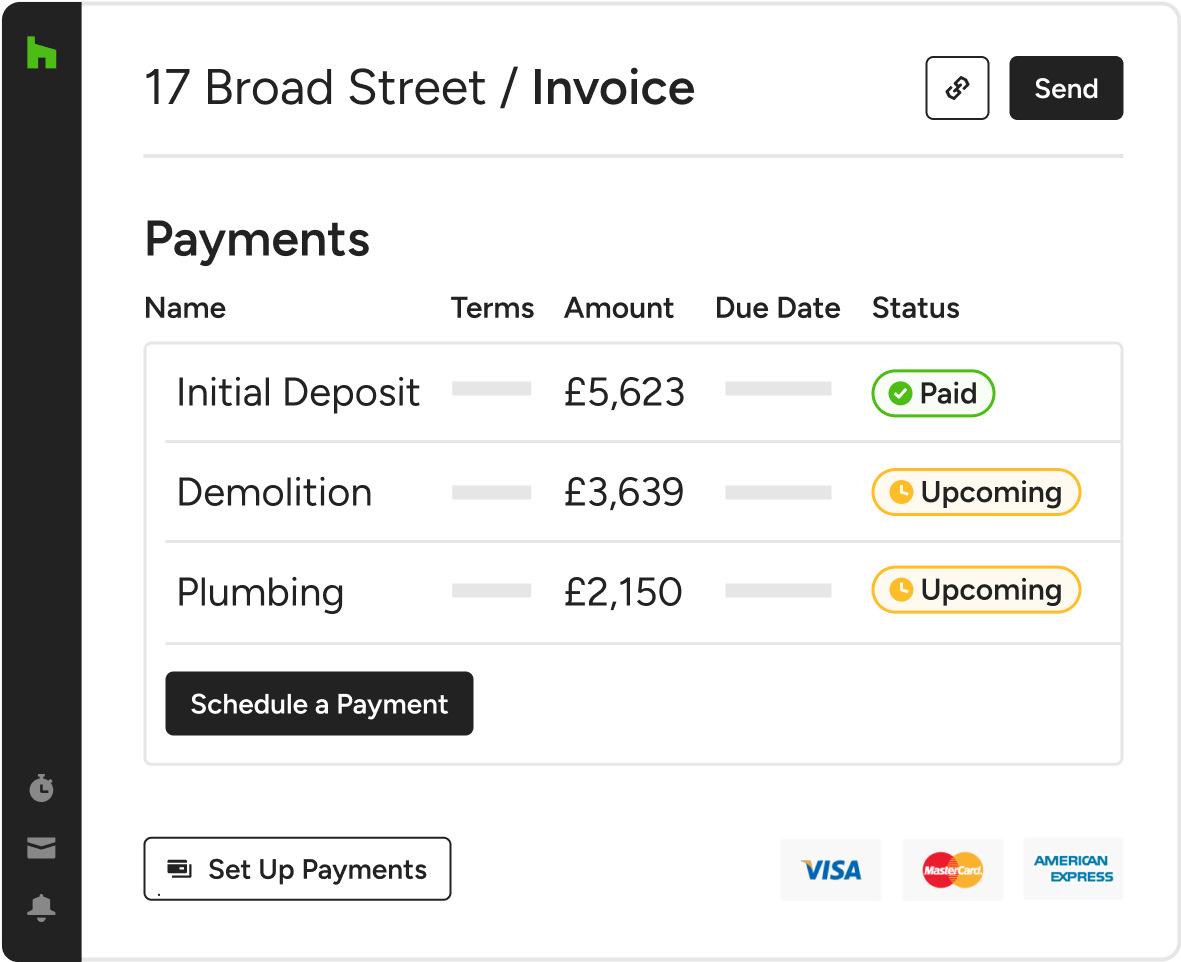
Houzz Pro’s carpenter business software has taken the headache out of “old school” methods of invoicing your clients and receiving payments. Today, your clients want to pay you online!
- Create your own branded invoice within Houzz Pro, then send to clients who can pay you instantly by credit card.
- Use QuickBooks or Xero? Syncing your invoicing and payments to QuickBooks Online/Xero is a breeze with our easy integration, so you won’t have to enter anything twice.
- You can always be in the know about cash flow in your carpentry business with our powerful financial reports to help you track profitability.
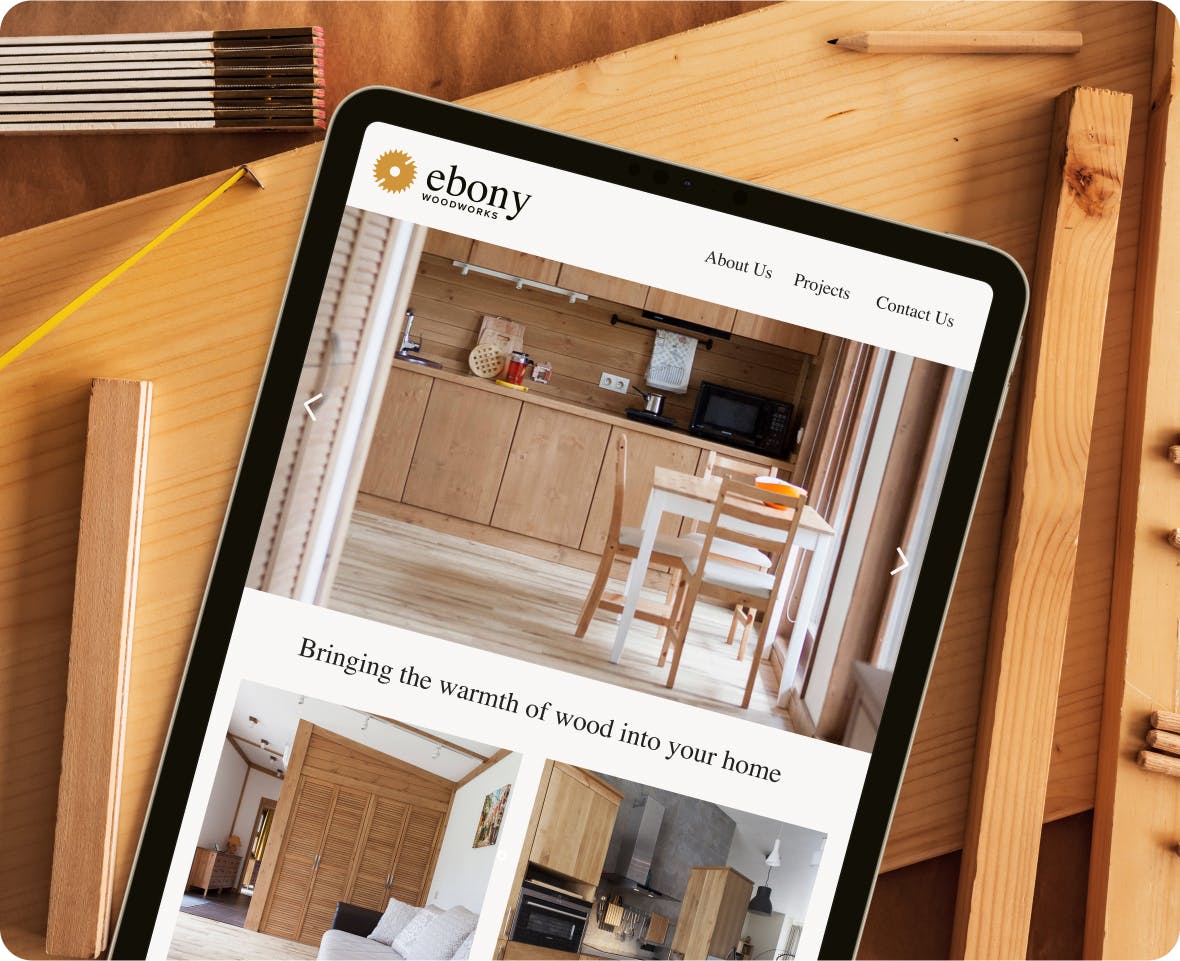
CUSTOM CARPENTRY WEBSITE
Build it and they will come
With our Ultimate plan, sit back and let us create a website with major “kerb appeal” to help attract and win high-quality clients. SEO-friendly and secure? No sweat. Hosting and domain included? You’ve got it and much more with Houzz Pro.

TRACK TIME & EXPENSES
All you need to tackle tracking
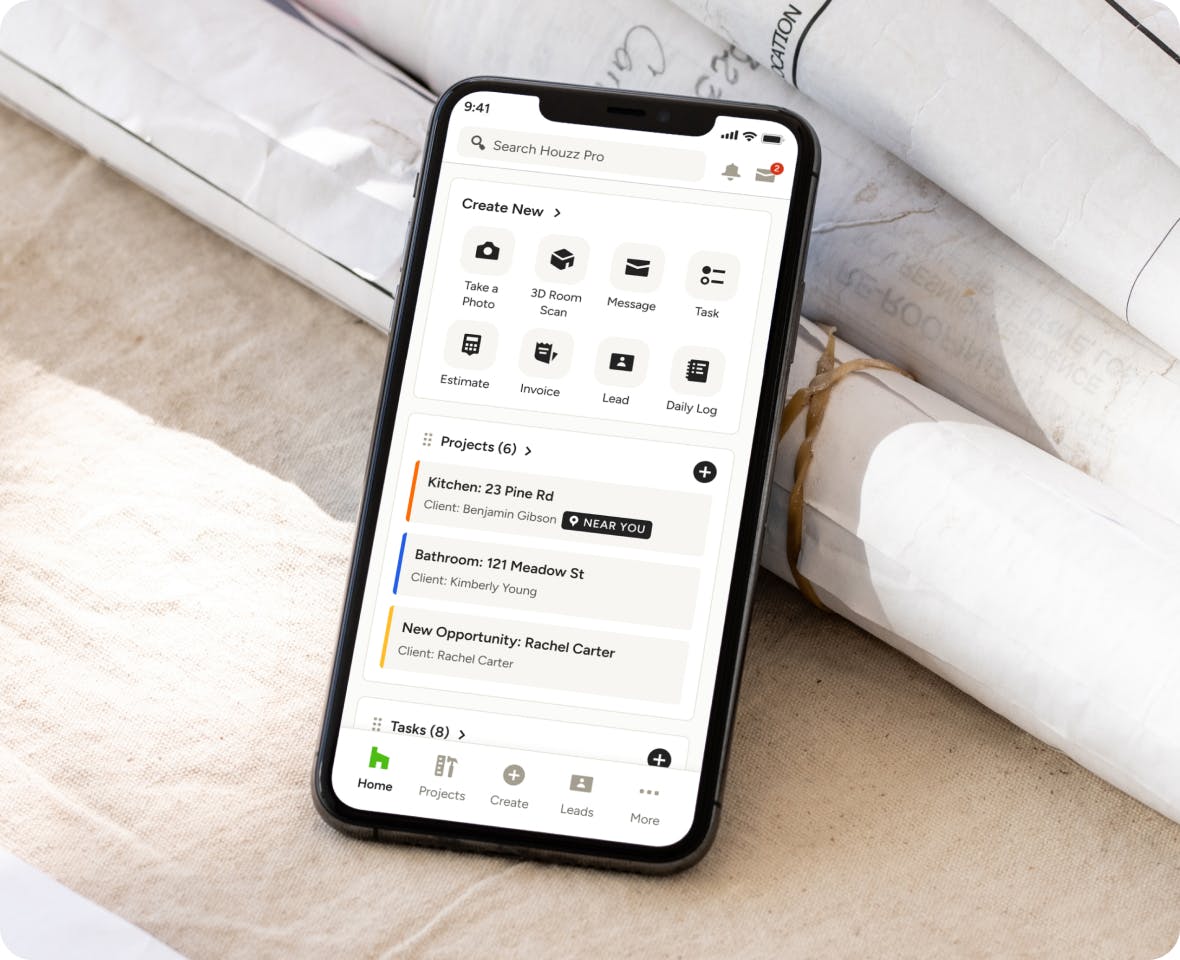
Tracking time and expenses can be one of the more challenging aspects of carpentry projects. But our carpenter contractor software makes it easy with our built-in time and expense tracking features. When it comes to invoicing, in just a few clicks you can convert your time entries to invoices ready to be sent to your clients.
Using the stopwatch tool, you can easily set the timer when you begin an activity to track your time spent. Changing activities or moving on to another jobsite that day? Simply end the timer and create a new stopwatch entry for each new activity or project. You can even track multiple activities at the same time.
Features that stay flush with your current business processes
Frequently Asked Questions About Carpenter Business Software
*Only available on selected plans