How to Reach Houzz Pro Support
If you need help with a technical issue, want to better understand a Houzz Pro feature, have questions about your subscription, or anything in between, there are many ways to reach the Houzz Pro Support team.
You can:
- Call the Support Team
- Browse Help Centre Content
- Submit a Support Ticket
- Chat with Us
- Submit a Request for Houzz.co.uk
Call the Support Team
If you would like to talk to someone directly about a question or concern, feel free to call our Support team. They are available from 9am to 5pm GMT Monday to Friday.
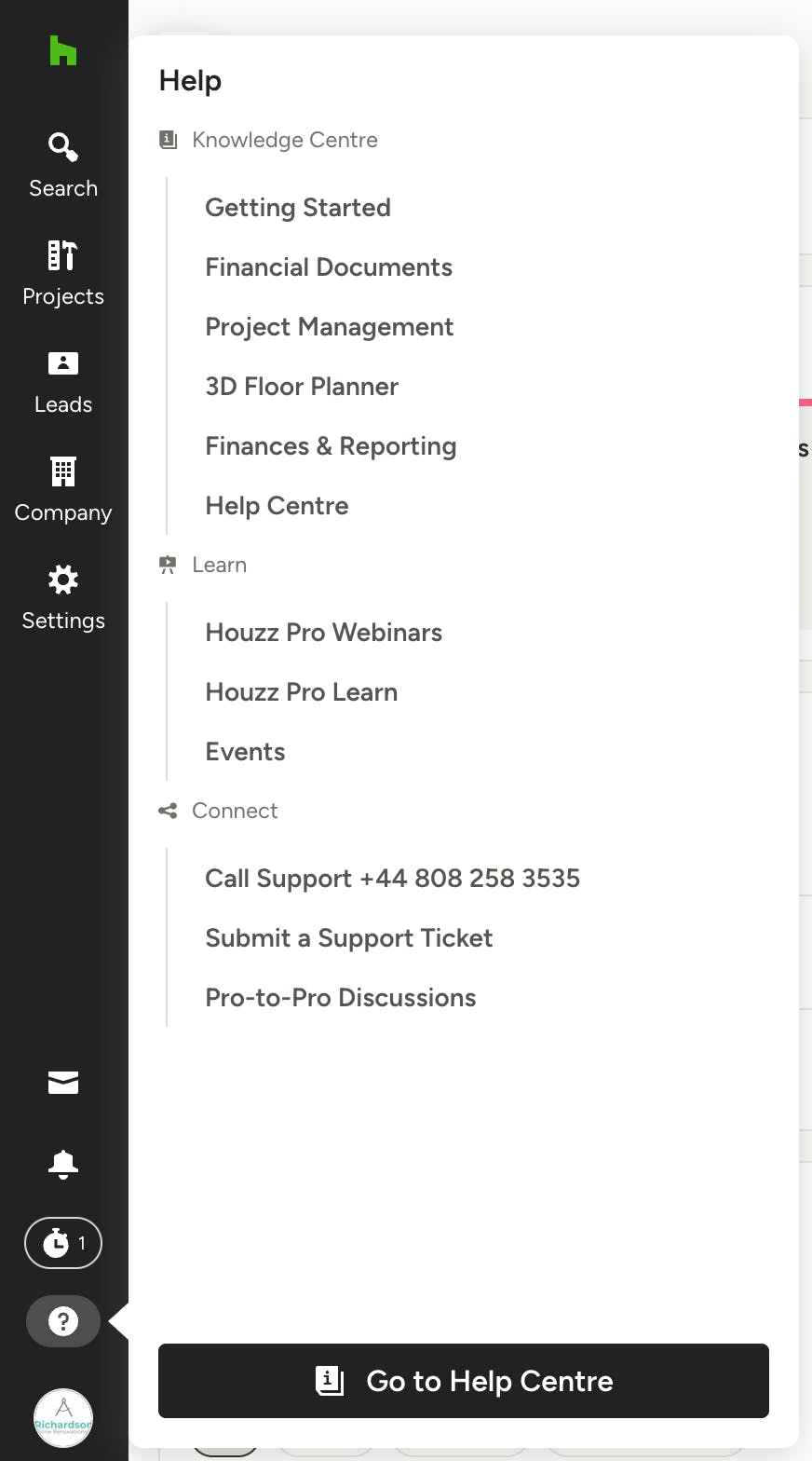
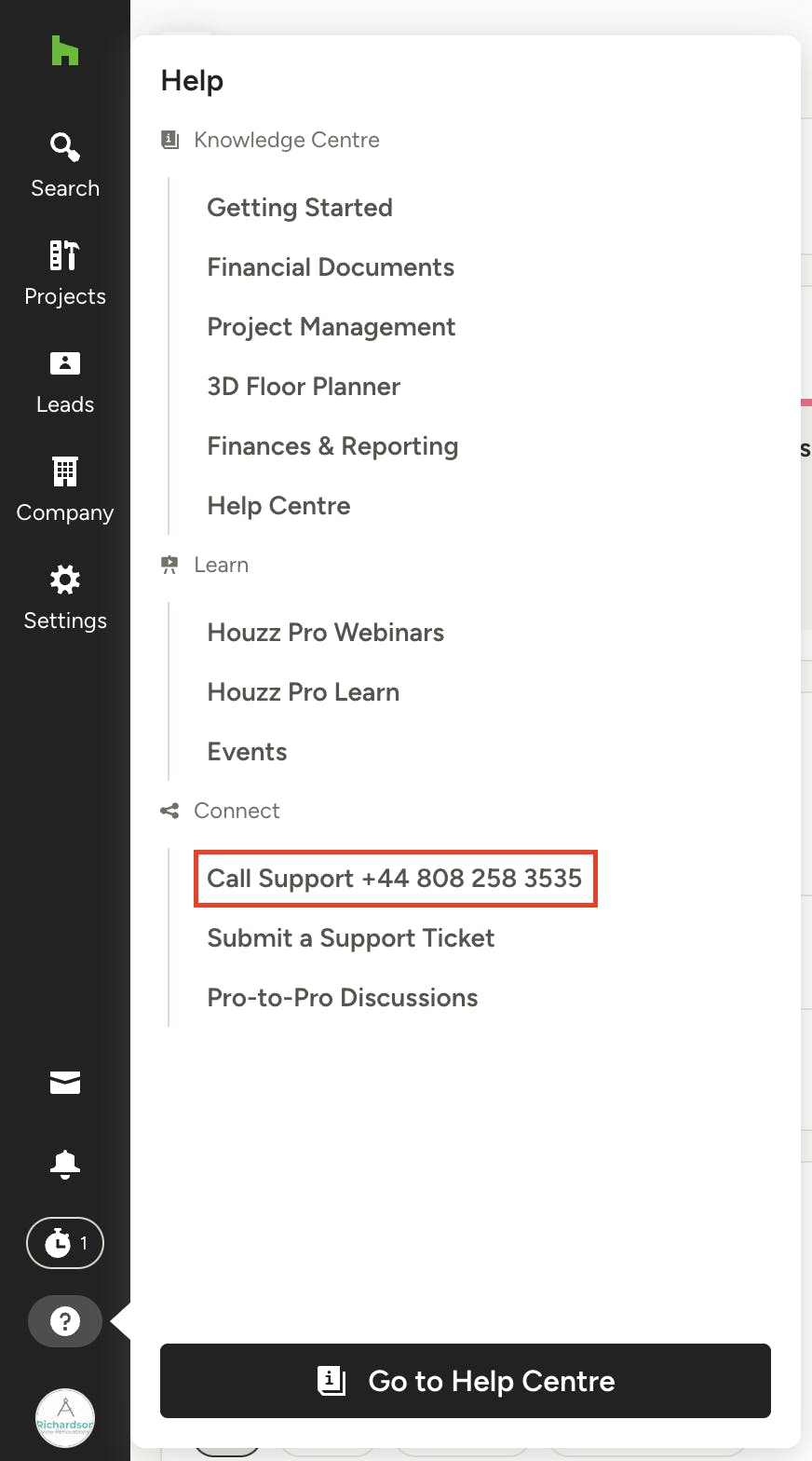
You can call them directly from your phone on +44 (0)808 258 3535. This number can also be found from the Help tab within Houzz Pro – just click on the question mark icon at the bottom of the left navigation (right above your profile icon).
Zoom & Google Meet
Our support team is also available to schedule Zoom or Google Meet meetings with you as needed. To schedule a Zoom or Google Meet, you can call or submit a support ticket and request a meeting, and a representative will respond to help you book one.
Browse the Help Centre
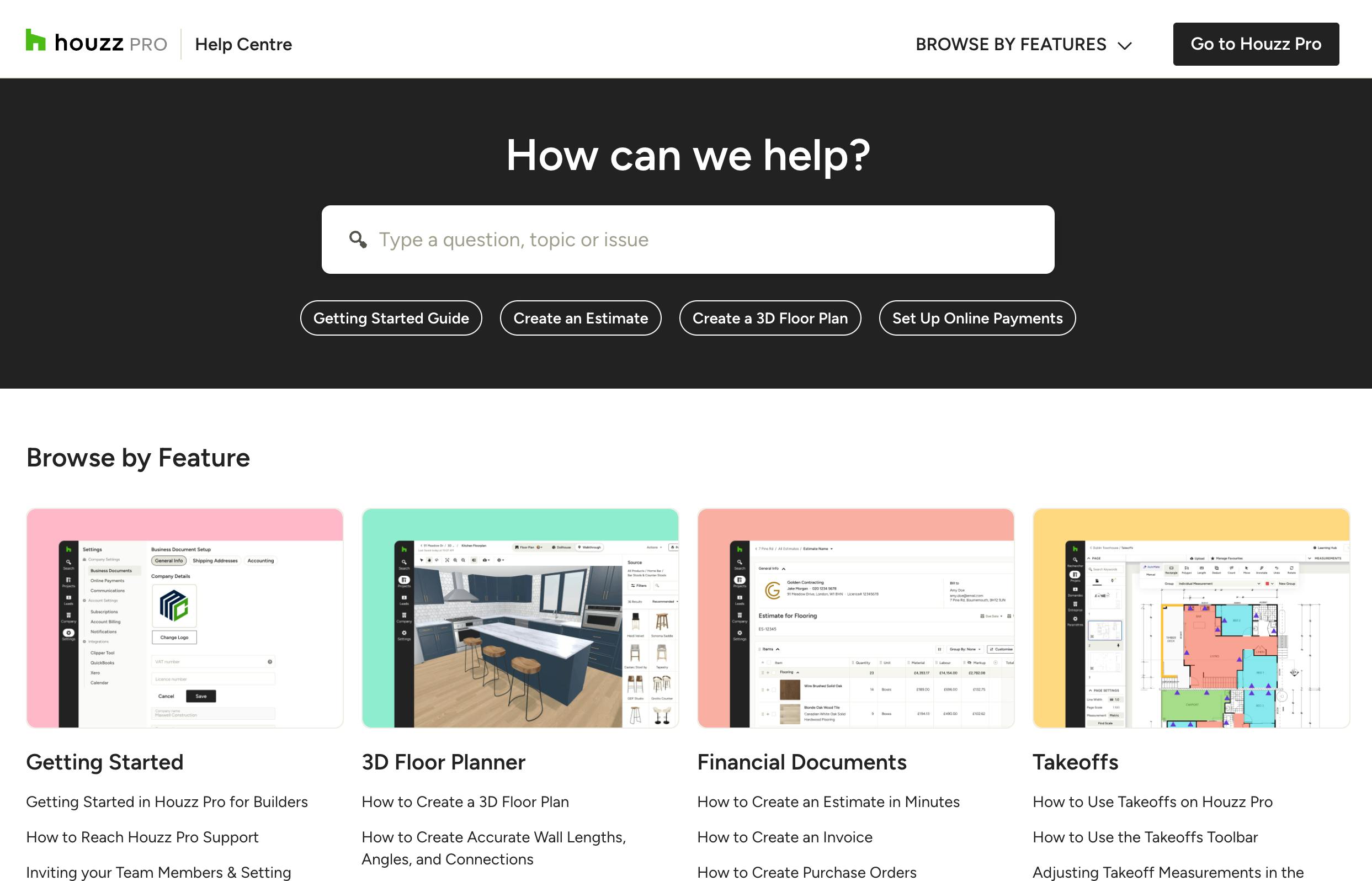
Our Help Centre has hundreds of step-by-step articles to guide you through every aspect of Houzz Pro. You can browse by category, or you can use search to find the exact content you need.
To find Help Centre content, click on the question mark icon at the bottom of the left navigation (right above your profile icon). Select Help Centre. You will then be able to browse and/or search through video tutorials and articles to find what you're looking for.

We want to make sure you make the most of Houzz Pro, and there are plenty of resources to review to help you do this. In addition to our Help Centre content, we also have video tutorials, webinars, and Learn content.
Just click on the Help icon in your left navigation to find everything you need all in one place.
Submit a Support Ticket
If you have a question or issue after our support hours, or you are too busy to call, you can submit a support ticket.
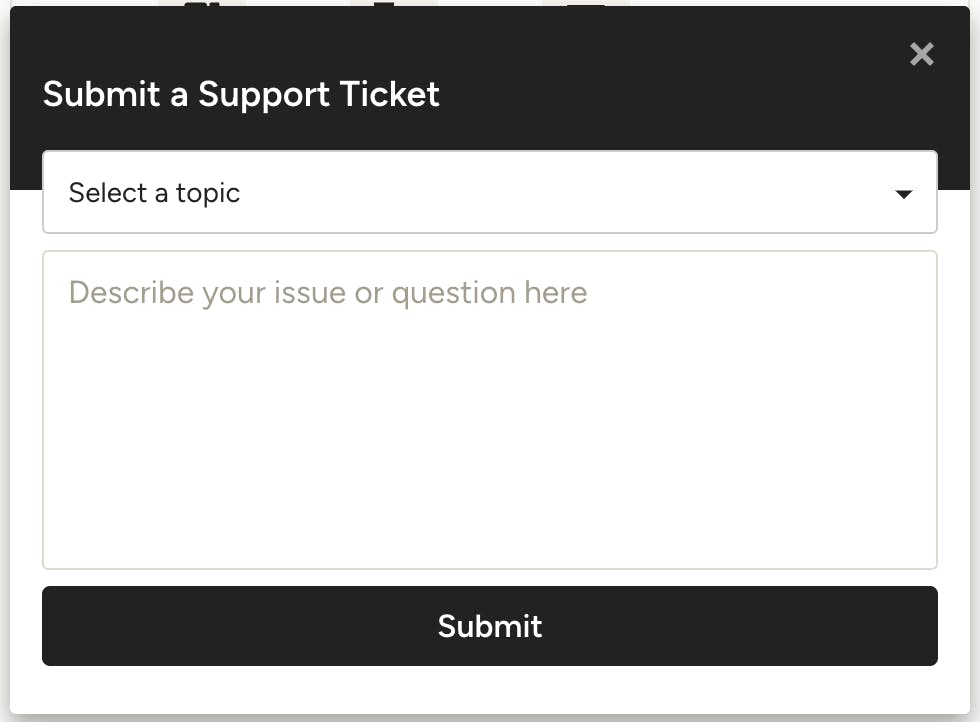
To do this, click on the question mark icon at the bottom of the left navigation (right above your profile icon). Select Submit a Support Ticket from the Help menu.
A short form will pop up on your screen. Fill it out with the topic and a description, and click Submit. A member of the Support Team will contact you as soon as possible.
Chat With Us
If you have a technical issue or question about how to use Houzz Pro, our live chat is a great way to get quick support. Our live chat with a support representative is available for all pros from 9am to 5pm GMT, Monday to Friday.
To start:
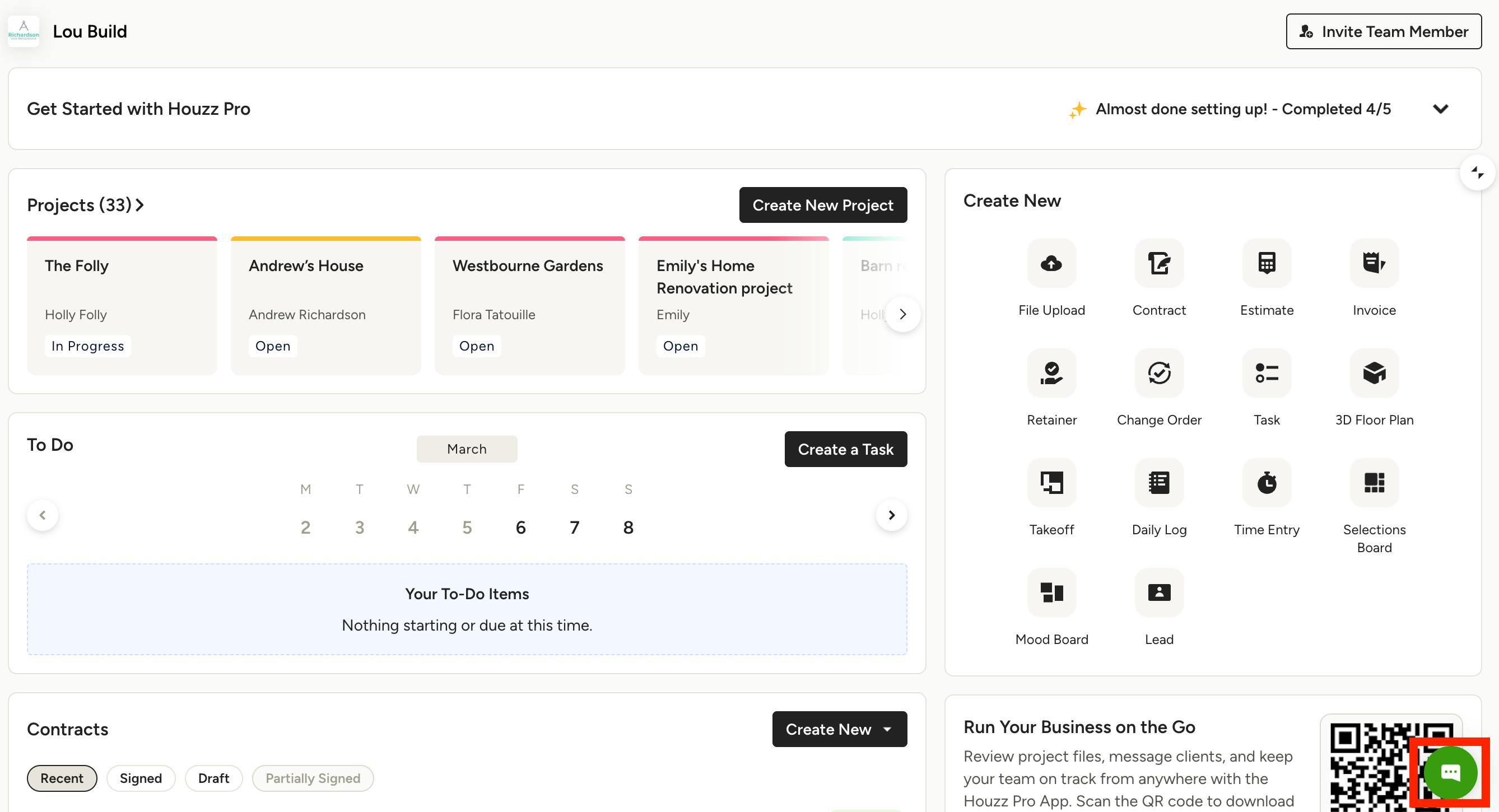
1. Click the chat circle on the lower right corner of your screen. This should show up regardless of what feature you are using within Houzz Pro.
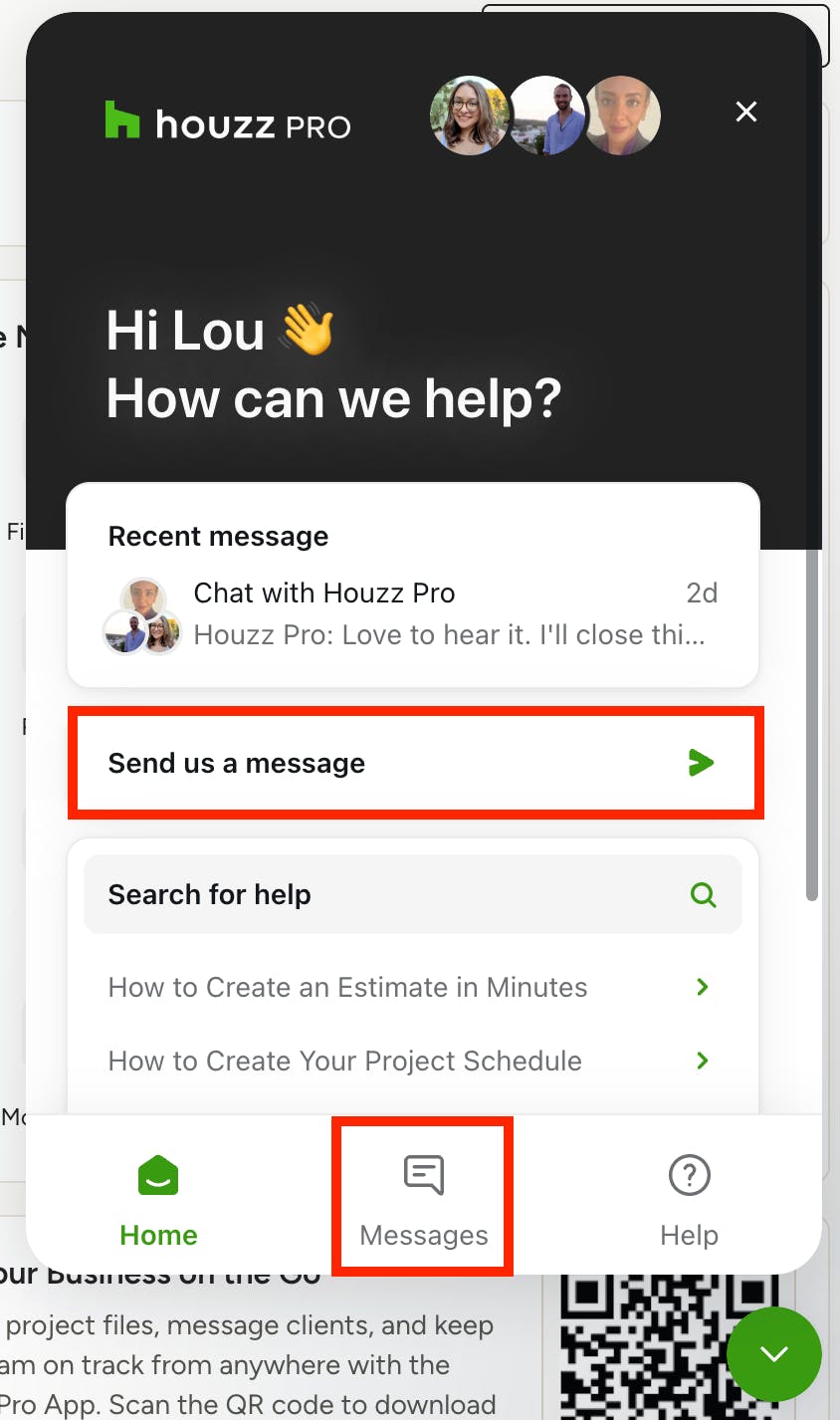
2. Click the 'Send us a message' option or click the Messages tab, and then 'Send us a message' to start chatting.
Submit a Request for Houzz.co.uk
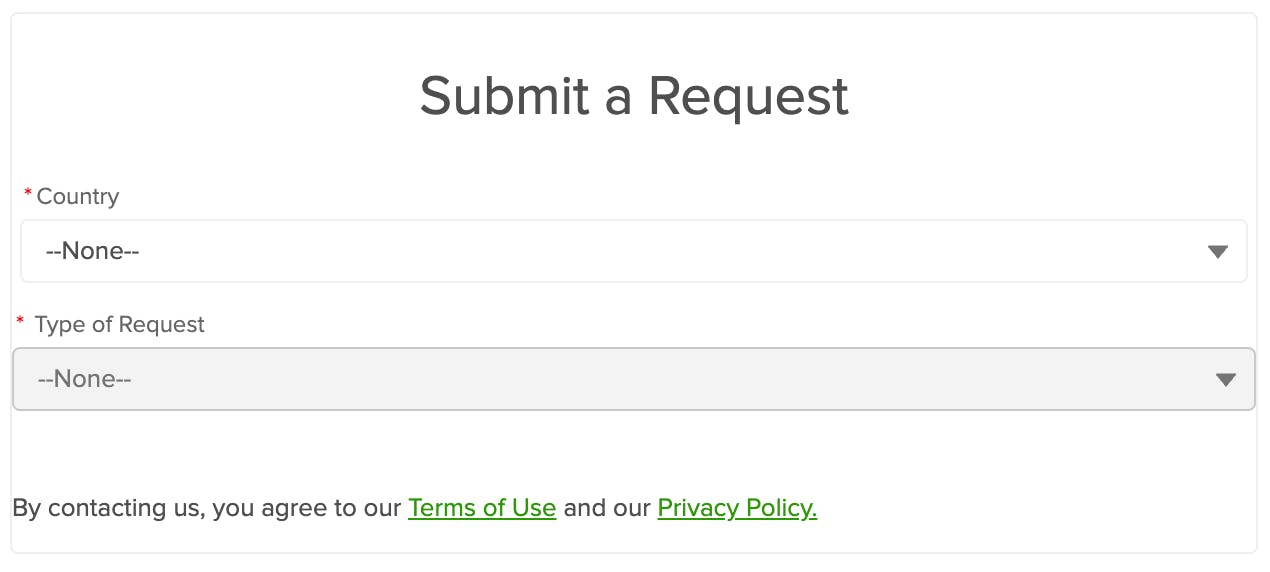
If you have a question about your general Houzz profile or about Houzz.co.uk, you can submit a request to our Community Support team.
To start:
1. Go to https://help.houzz.com/s/contactsupport?language=en_GB.
2. Select your country, the type of request, and fill out the rest of the form. The more detailed your request is, the better we can help solve the issue.
3. Click the Submit button.